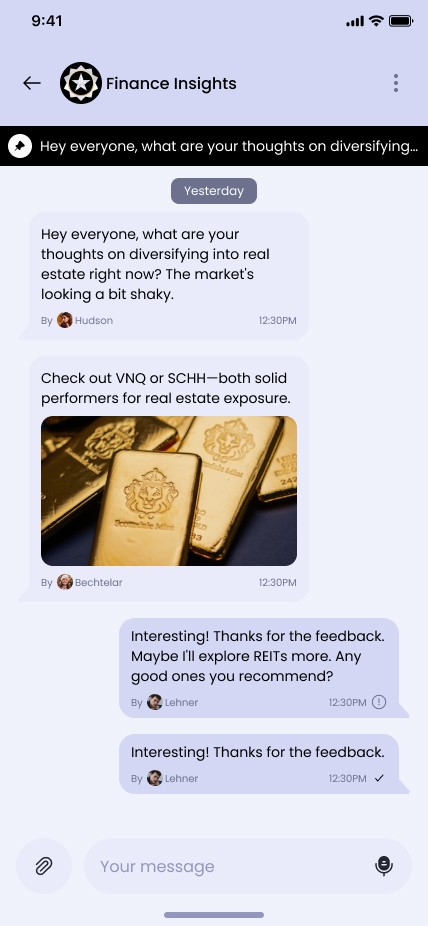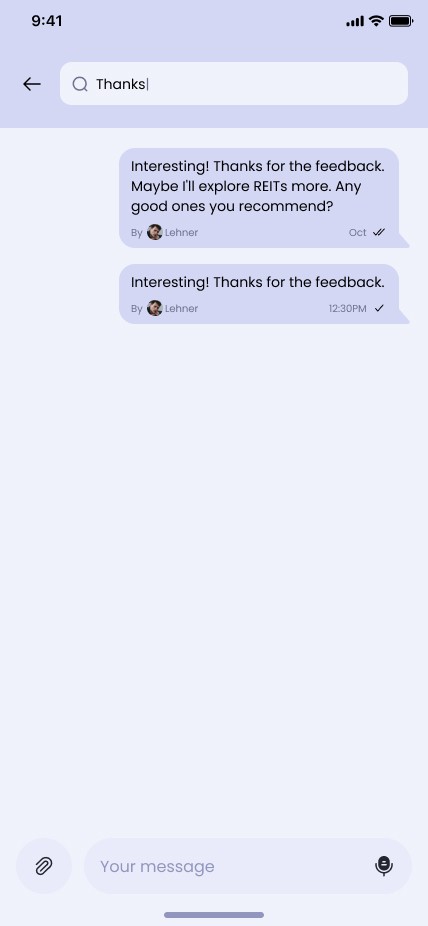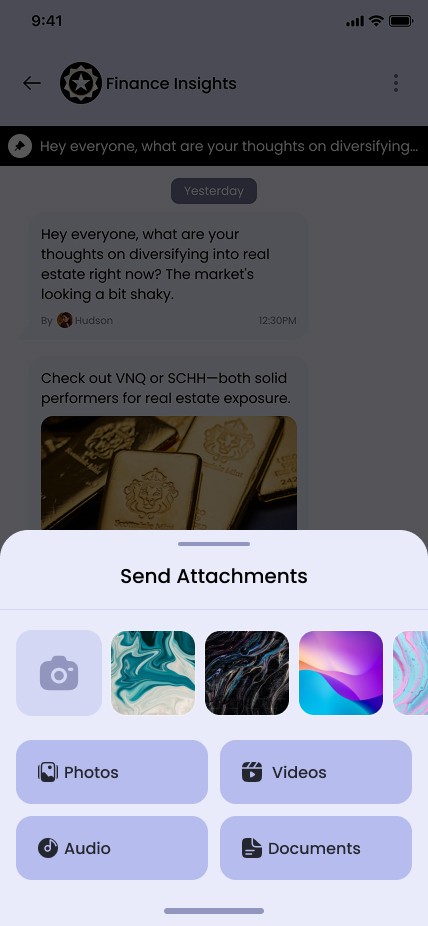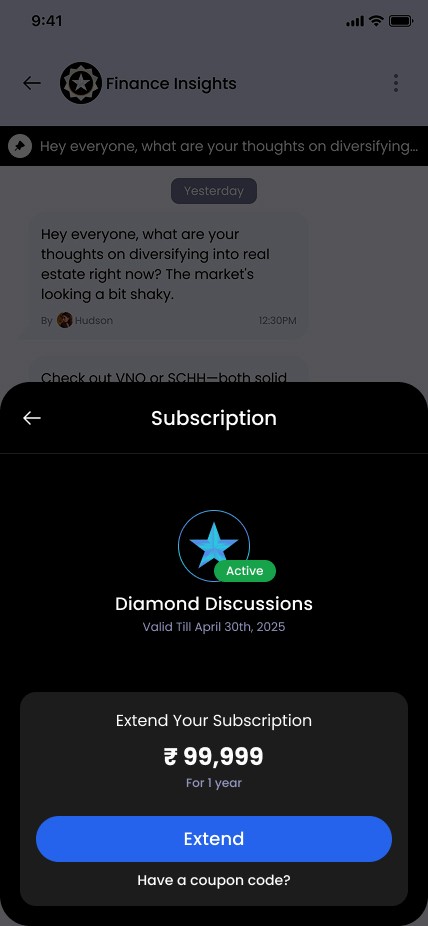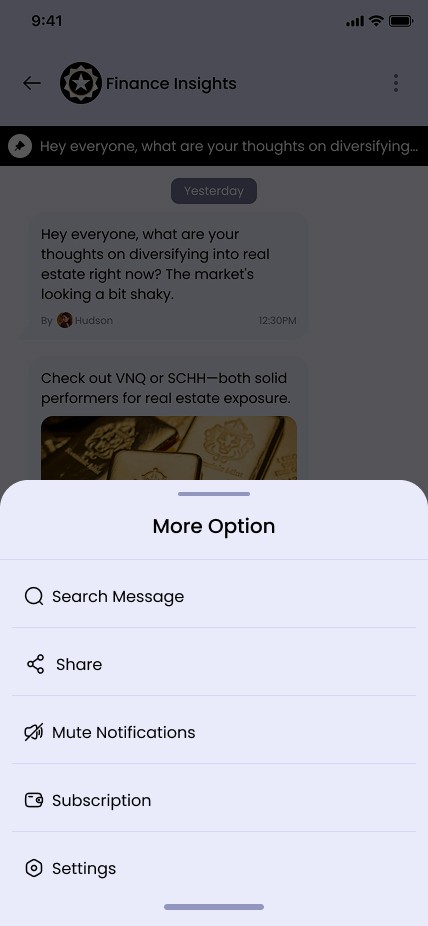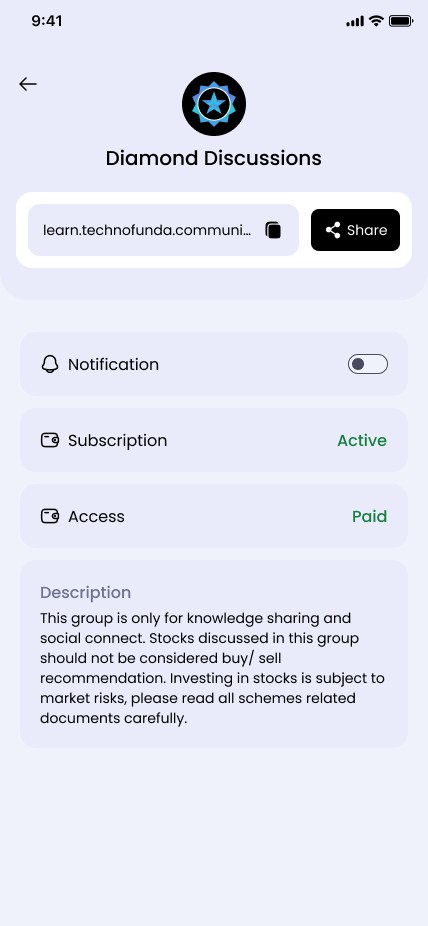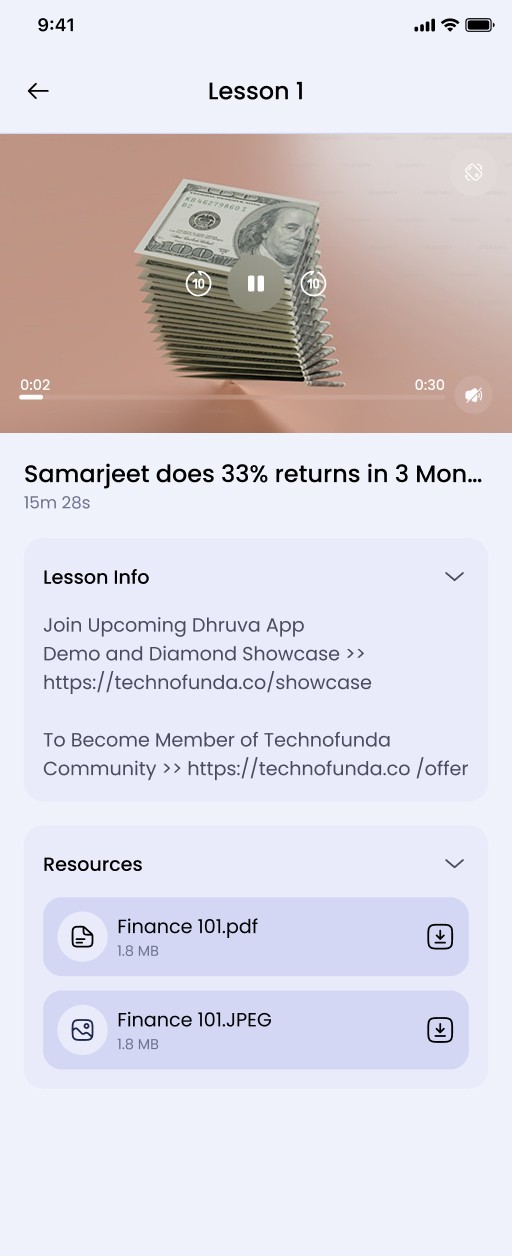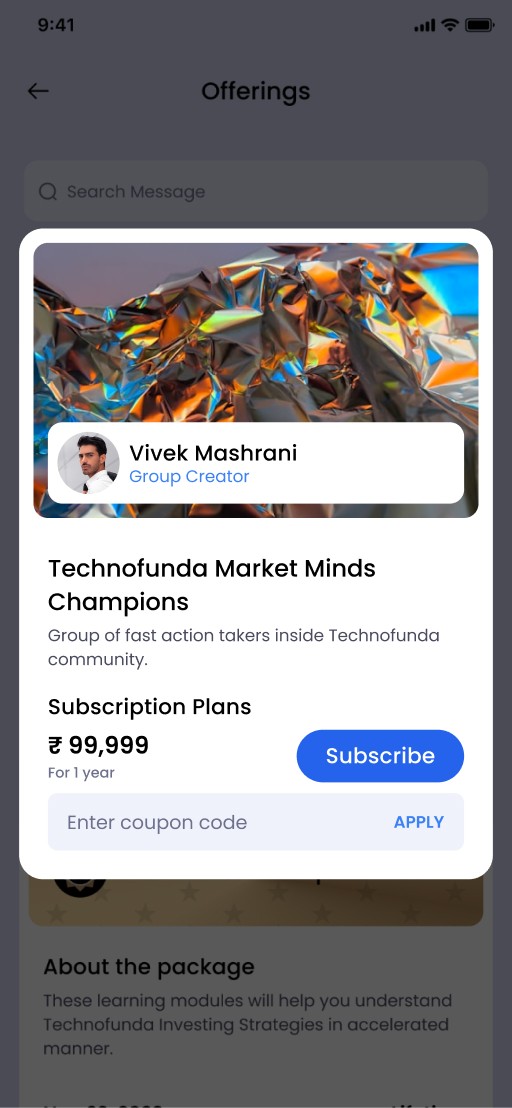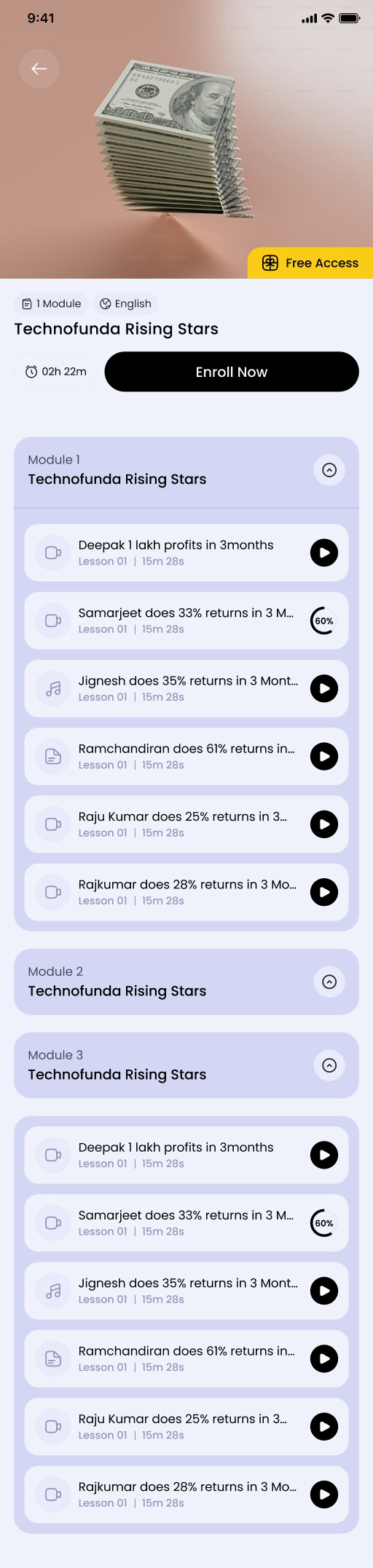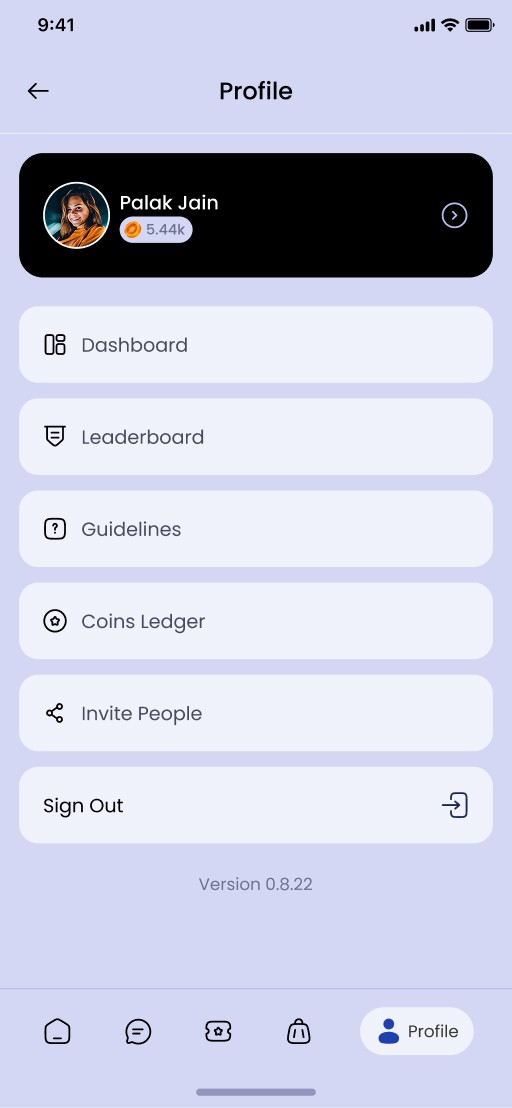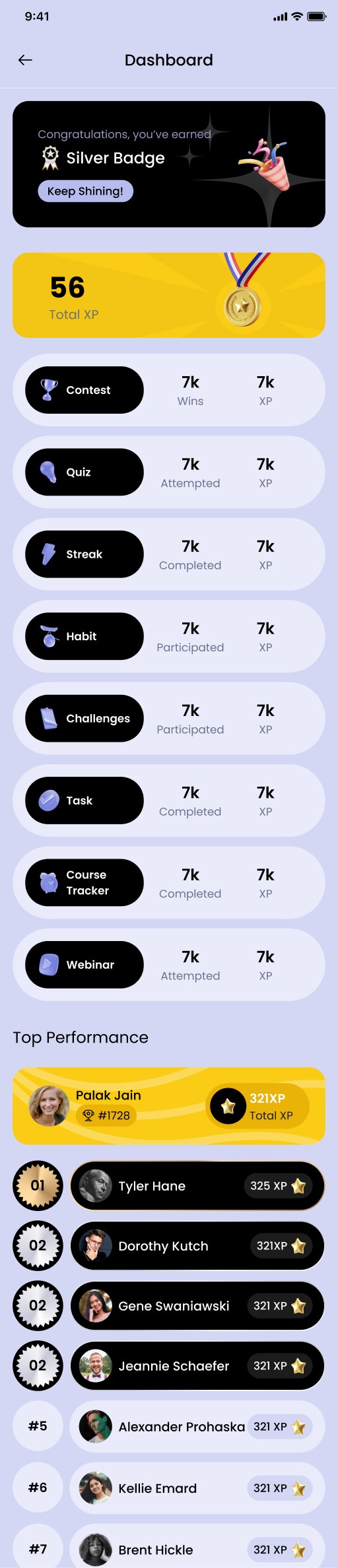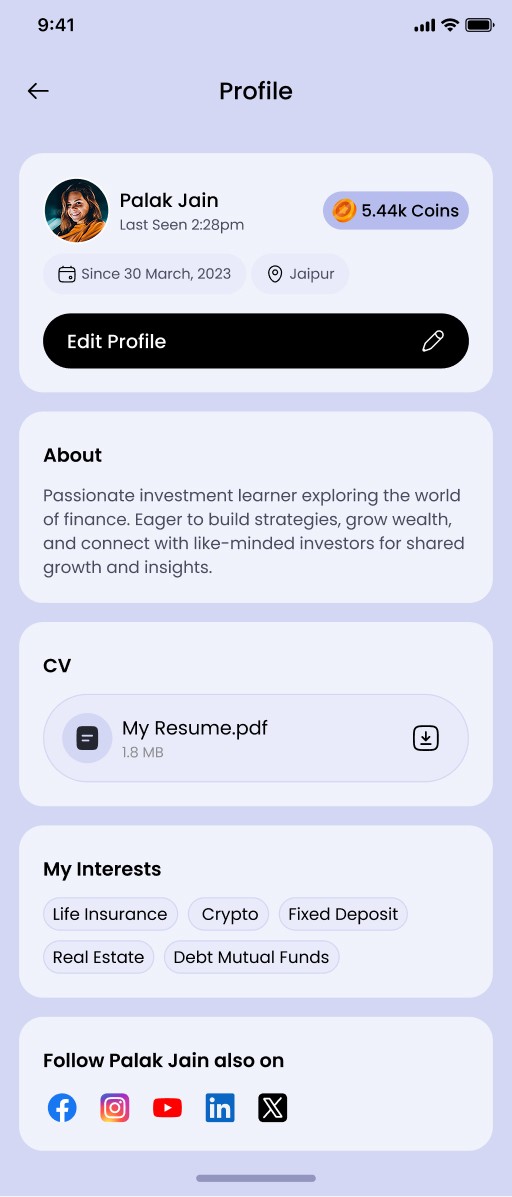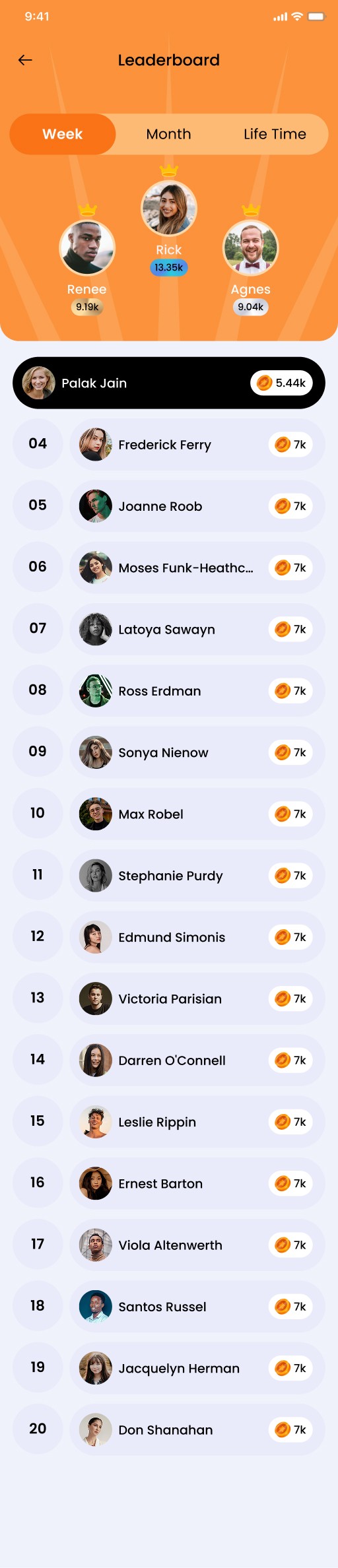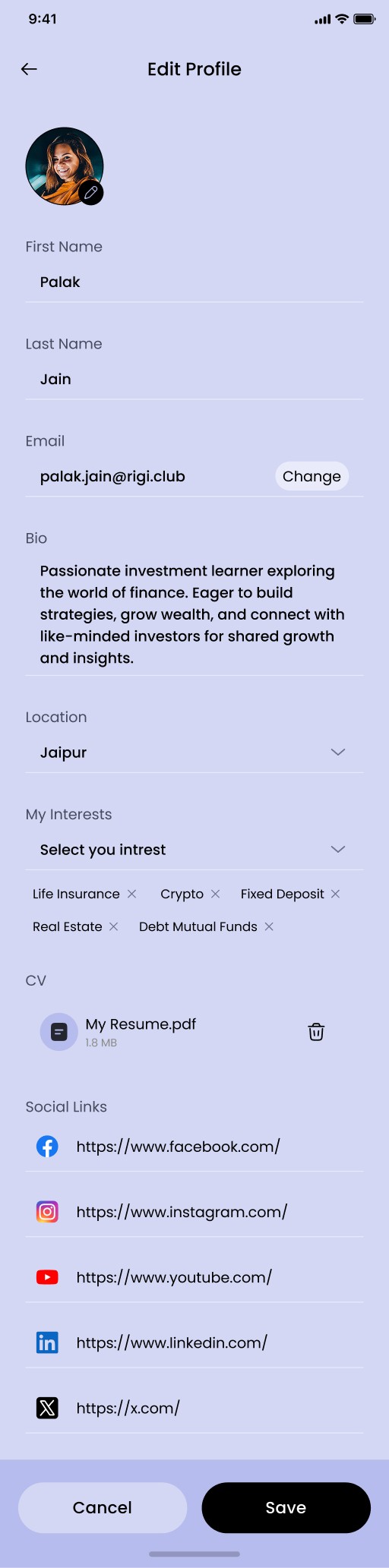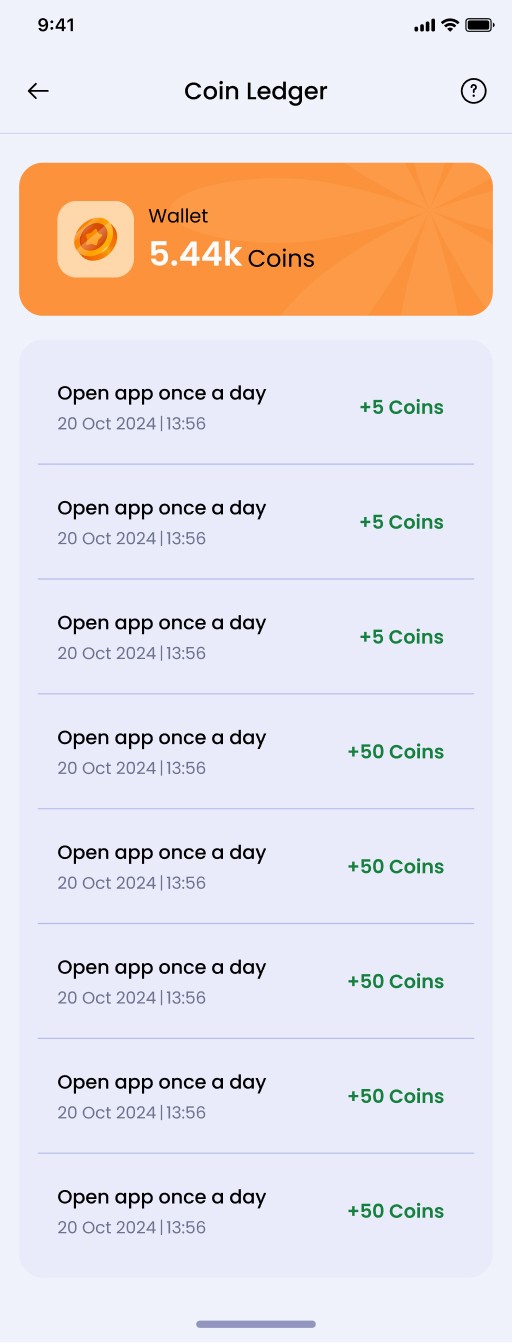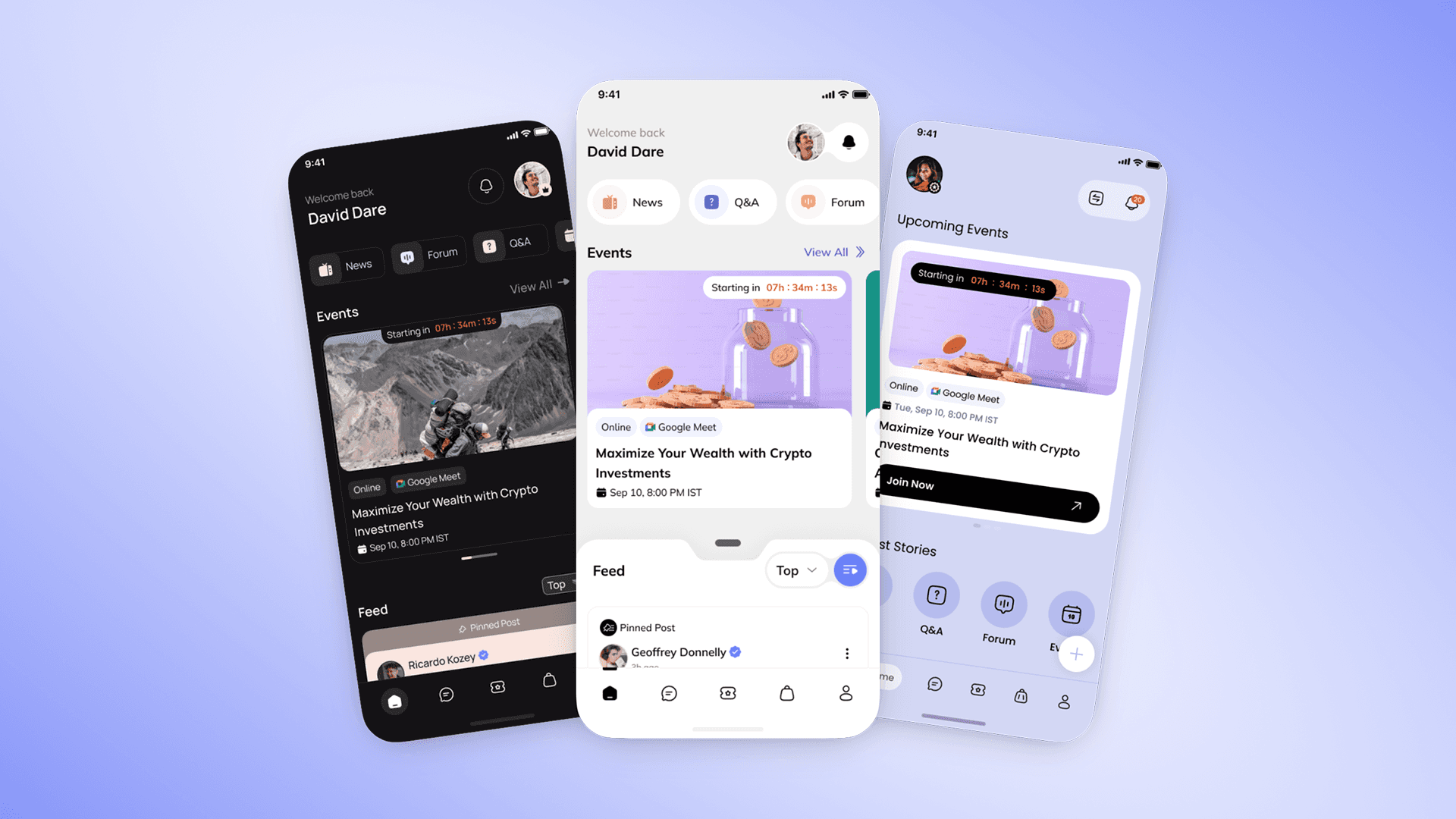
Community platforms can get messy when they pack in content, events, courses, chats, and paid features. People get lost, can’t find what they need, and the experience feels broken.
We needed a cleaner, easy-to-use design so users can:
Find and read different content fast
Join conversations without friction
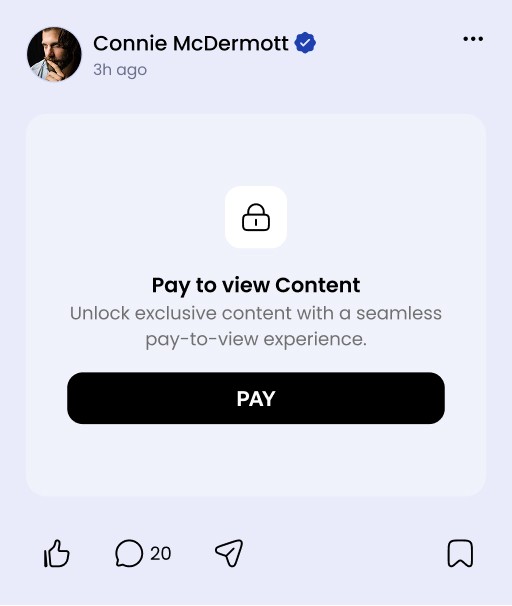
Buy and view exclusive content clearly
Move around the app smoothly, even with many features
The goal was a modern, simple experience that still supports different types of communities.
Consumer Goals
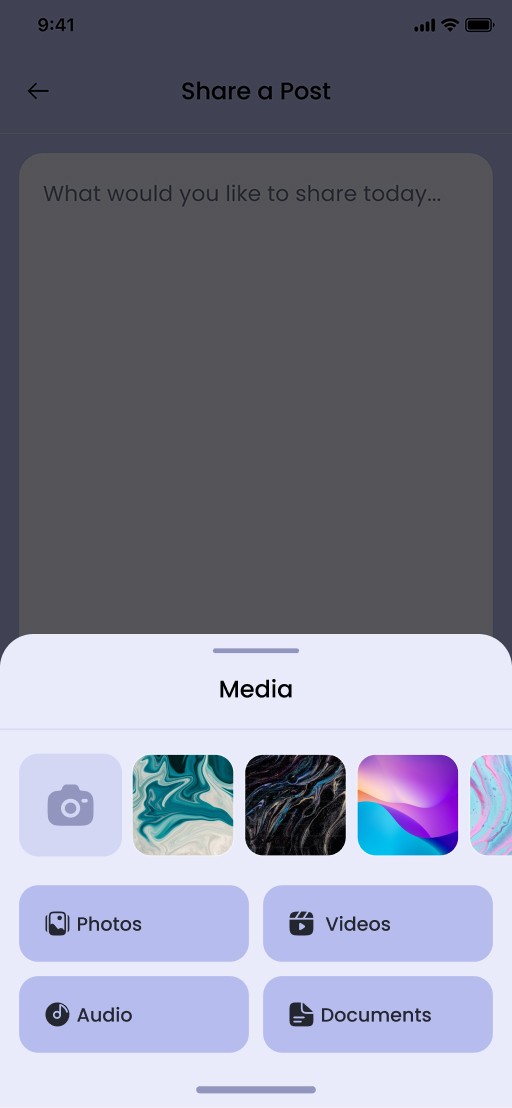
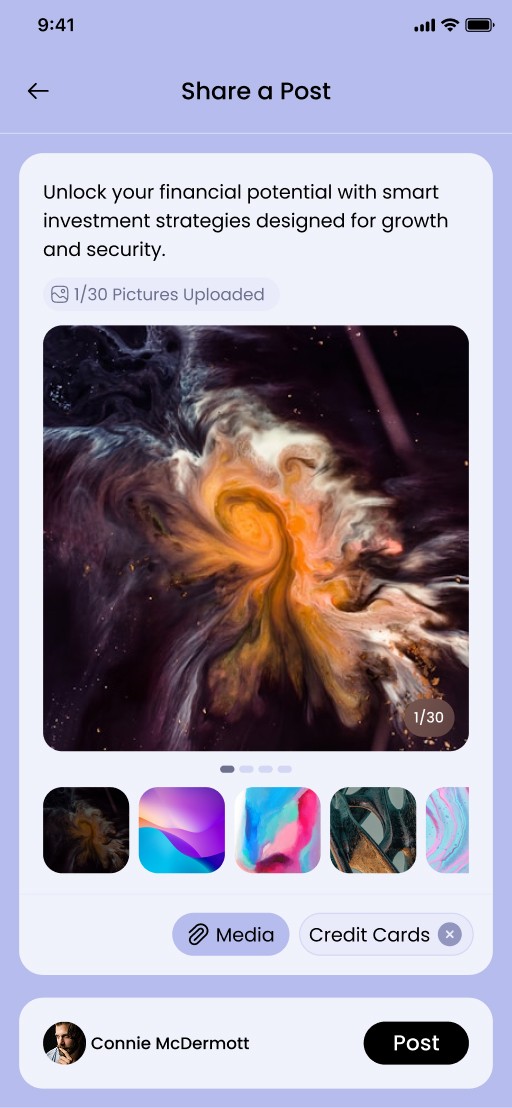
Consume content seamlessly across multiple formats.
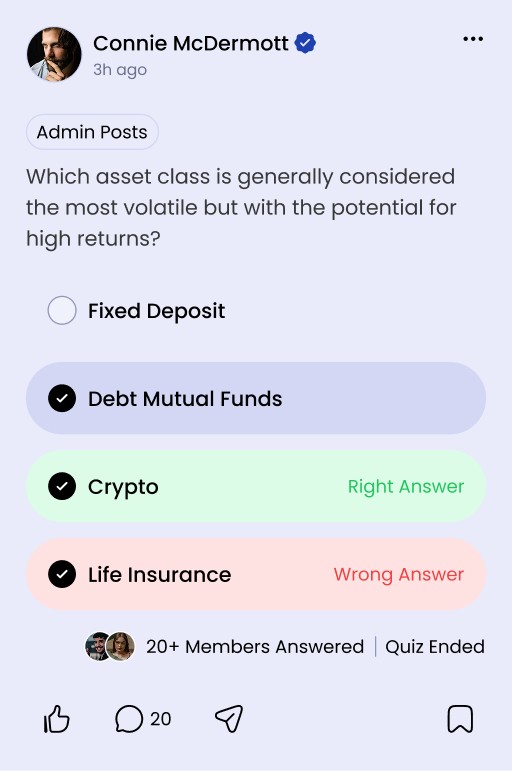
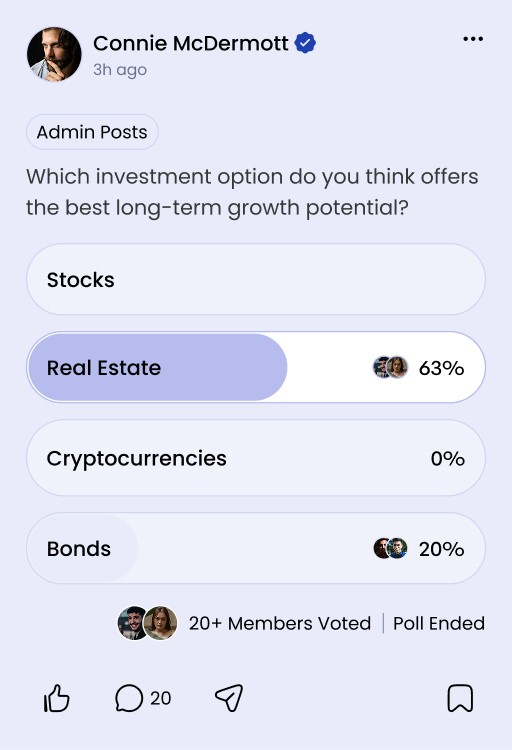
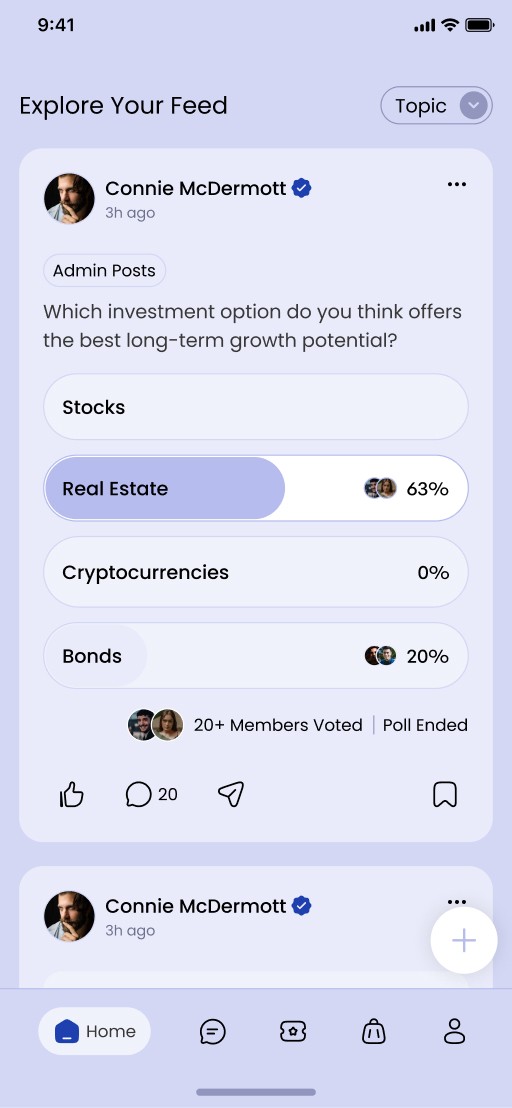
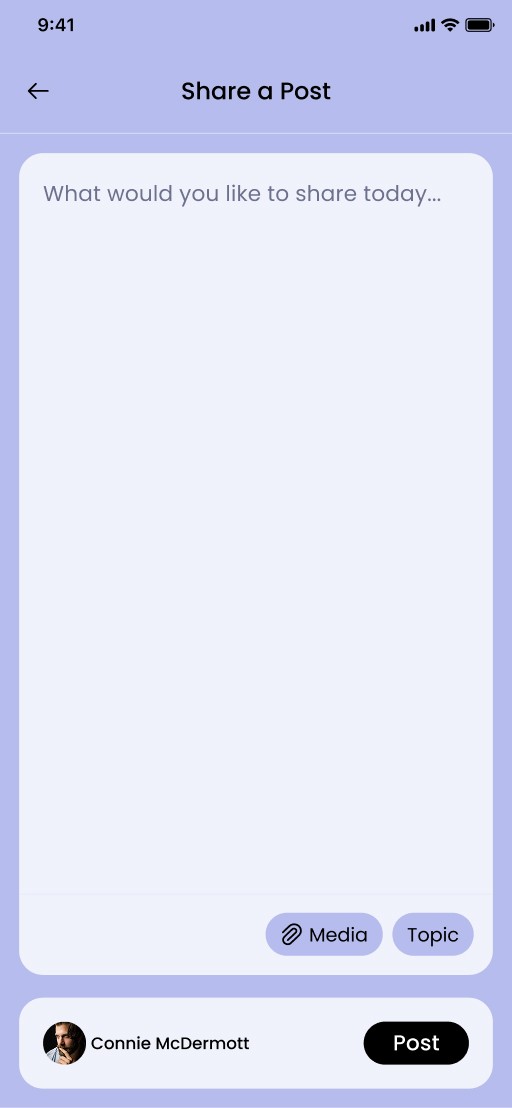
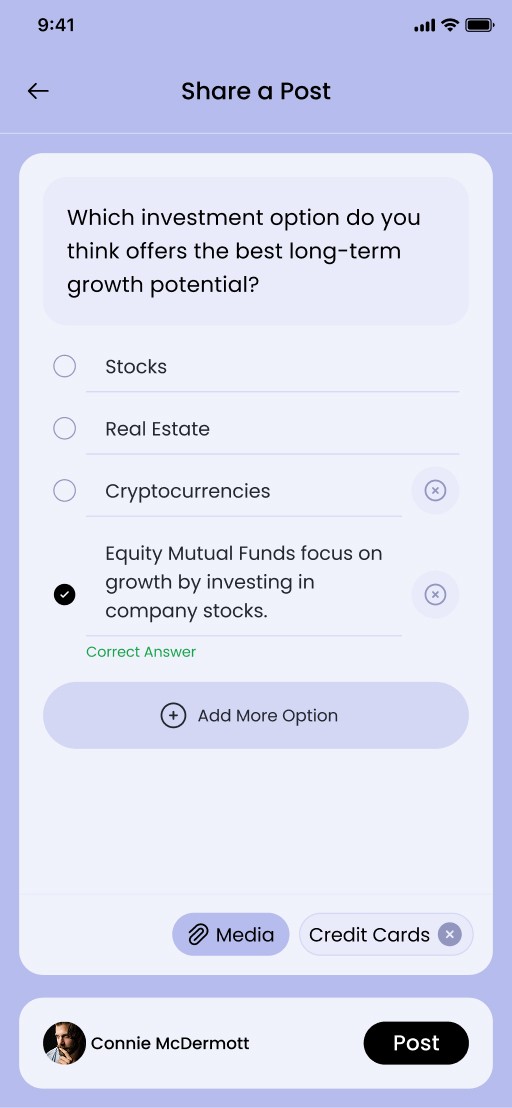
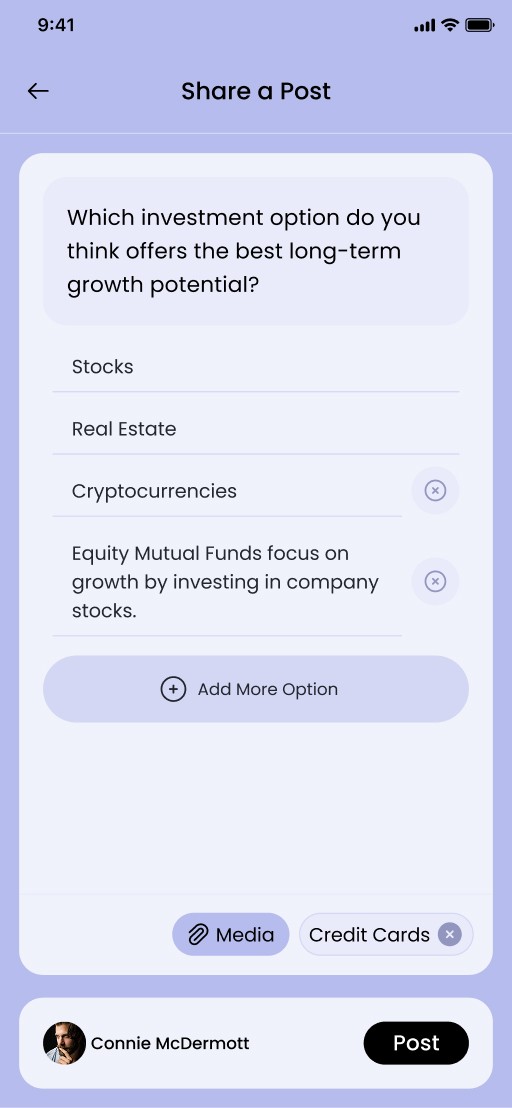
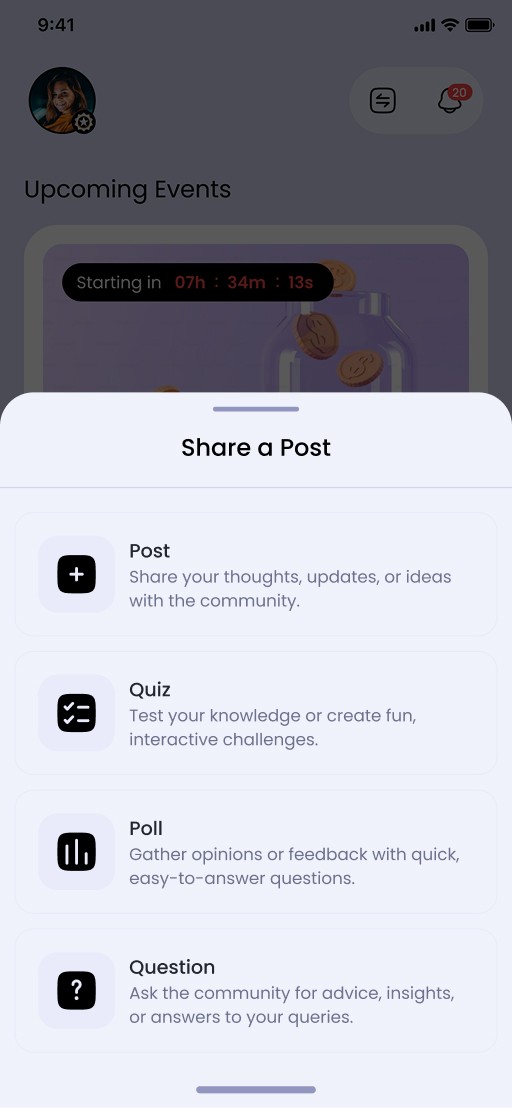
Participate through posts, polls, quizzes, and discussions.
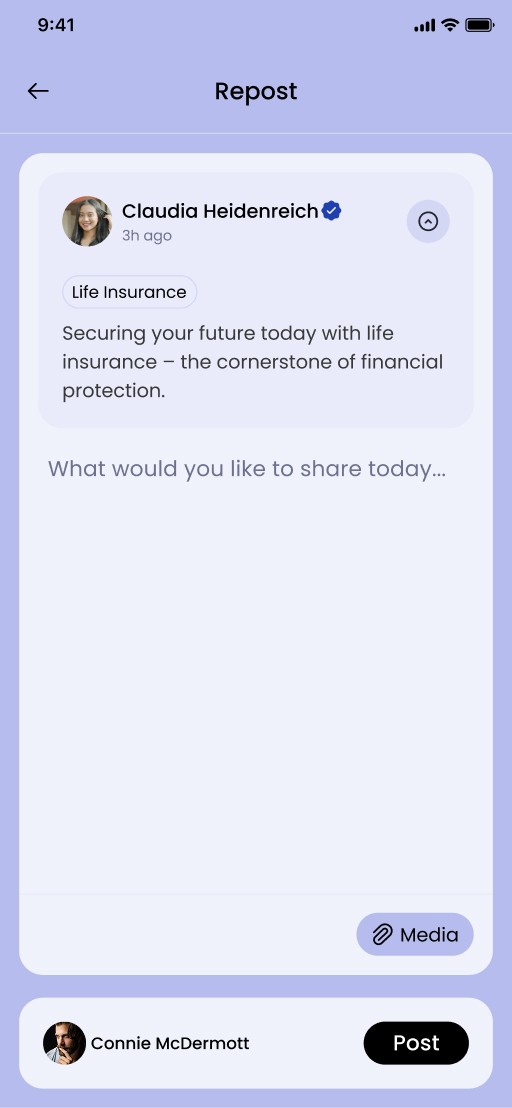
Engage easily within communities.
Access purchased and paid content effortlessly.
Navigate the platform without confusion.
Business Goals
Improve user engagement within communities.
Increase retention through a better user experience.
Support scalable community structures.
Encourage more interactions within the platform.
What I Owned
Information architecture for a feature-rich consumer platform.
UX flows focused on audience interaction and content consumption.
UI design across 3 scalable templates.
Interaction patterns for engagement, discovery, and navigation.
Design Challenges
Managing high feature density without overwhelming users.
Simplifying complex community interactions.
Creating scalable layouts for different community structures.
Balancing flexibility with usability.
The biggest challenge was simplifying a feature-rich ecosystem without removing functionality.
Research Methods
Competitive analysis of community platforms.
Studying audience behavior and engagement patterns.
Understanding how users consume and interact with community content
Key Insights
Users prefer simple and guided experiences over feature-heavy interfaces.
Different communities require different content structures and layouts.
Audiences engage more when participation feels intuitive.
Clear navigation improves content discovery and retention.
The experience should feel simple even when the platform offers many features.
Inspiration & Exploration
The process started with collecting inspiration from multiple modern community and content platforms to understand emerging design patterns, layouts, and interaction models.
From the collected references:
The strongest 3 directions were shortlisted
Each direction explored different visual styles, layouts, and interaction approaches
Design Direction Exploration
To validate the visual language, major screens were designed for each shortlisted direction. This helped compare:
Navigation clarity
Content hierarchy
Engagement visibility
Overall usability and visual appeal
The design language was iterated multiple times to refine the experience and identify the most scalable direction.


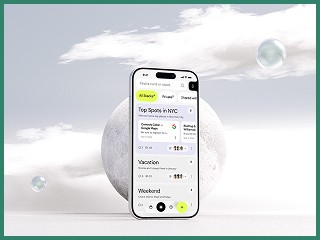
Final Design Language Selection
After comparing the explored directions, one scalable design language was selected based on:
Simplicity
Modern visual appeal
Scalability across multiple templates
Ease of content consumption
Building the Design System
Once the final direction was selected, the foundational design system was created, including:
Color palette
Typography system
Components and reusable patterns
Spacing and layout guidelines
Interaction behaviors
This helped maintain consistency across the platform while enabling scalable template creation.
Template Design Execution
Using the finalized design system, the complete platform templates were designed with a focus on:
Seamless content consumption
Community engagement
Clear navigation
Scalable and reusable layouts
The result was a modern and structured consumer experience that reduced confusion and improved usability.
How might we design a scalable community platform that supports diverse content formats and community interactions while keeping the consumer experience simple, intuitive, and engaging?
Template-Based Approach(Design Strategy)
Instead of a one-size-fits-all design, I introduced 3 flexible templates that creators can choose based on their content style and community needs.
Reduce setup friction for creators.
Maintain consistency while allowing flexibility.
Scale features without redesigning the entire experience.